
Microsoft and Bitwarden Expand Windows 11 Enterprise Authentication and Endpoint Onboarding Capabilities
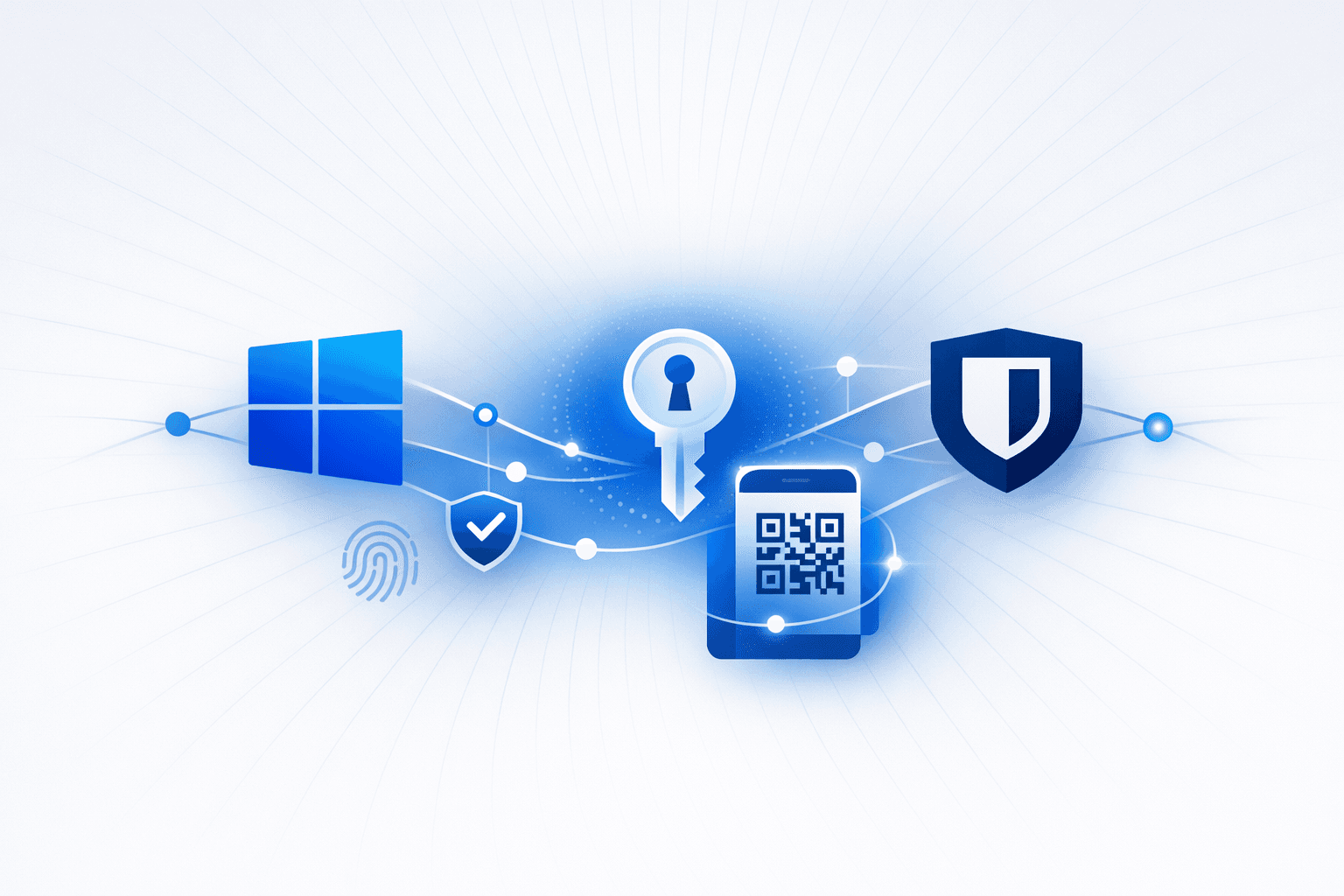
Bitwarden announced support for passkey-based login on Windows 11, enabling phishing-resistant, passwordless sign-in using passkeys stored in a user’s encrypted Bitwarden vault. The flow uses the Windows “security key” option and a QR-code confirmation from a mobile device, with authentication performed via cryptographic challenge/response rather than transmitting shared secrets; Bitwarden positions this as reducing credential theft risk from phishing. The capability depends on Microsoft’s Windows 11 passkey provider support and requires specific enterprise conditions, including Entra ID–joined devices, FIDO2 security key sign-in enabled, and a registered Entra ID passkey stored in Bitwarden.
Microsoft also introduced an updated Defender deployment tool for Windows aimed at streamlining large-scale endpoint onboarding into Microsoft Defender. The tool packages onboarding information into a single downloadable .exe (reducing the need for separate onboarding files across modern and legacy systems), supports silent/non-interactive deployment via tools like Group Policy or Configuration Manager, and adds administrative controls to reduce risk if onboarding packages are shared externally (e.g., identifiers/keys, tracking, and package expiration up to one year). Microsoft Defender portal updates add improved guidance and visibility, with onboarding events surfaced in device timelines and advanced hunting to help teams monitor progress and troubleshoot errors during rollout.
Get ahead of threats like this
Mallory correlates global threat intelligence with your attack surface — know if you’re exposed before adversaries strike.
How this story unfolded
4 events from the most recent confirmed update back to the earliest known activity.
Bitwarden announces Windows 11 passkey sign-in support
Bitwarden announced support for signing into Windows 11 with passkeys stored in a Bitwarden vault, using a QR-code-based flow and positioning the feature as phishing-resistant for Entra ID enterprise environments. The feature is available across Bitwarden plans, including free, for Entra ID-joined devices with FIDO2 security key sign-in enabled.
Microsoft updates Defender deployment tool for Windows
Microsoft updated its Defender deployment tool for Windows to use a single downloadable executable for onboarding, add silent deployment support, improve visibility in device timeline and advanced hunting, and introduce package governance controls such as identifiers and optional expiration.
Microsoft begins rolling out Windows passkey login during March
Bitwarden said Microsoft's Windows passkey login capability would roll out during March 2026, with availability depending on an organization's Microsoft Entra ID configuration.
Microsoft introduces Windows 11 passkey provider API
Microsoft introduced a Windows 11 passkey provider API that allows third-party password managers such as Bitwarden and 1Password to store and manage passkeys for websites, apps, and eventually OS sign-in workflows.
Related entities
Vulnerabilities, threat actors, malware, products, organizations, and breaches Mallory has linked to this story.
Sources
3 references tracked. Mallory keeps watching after this page renders.
Bitwarden Brings Passkey Logins to Windows 11, Expanding Passwordless Sign-Ins
techrepublic.com
Open sourceBitwarden adds support for passkey login on Windows 11
bleepingcomputer.com
Open sourceNew Defender deployment tool streamlines Windows device onboarding with single executable - Help Net Security
helpnetsecurity.com
Open sourceSee the full picture, correlated to your attack surface.
Map indicators from this story to your assets and identify affected systems in minutes.
Every observed campaign, victim, and pivot linked to actors named in this story.
Malware, exploits, and IOCs connected to the activity described here.
YARA, Sigma, and Snort rules deployed to your SIEM as soon as they’re published.
Get matching new stories delivered to your team as they break — not the next morning.
Ask questions about this story and take action on the answers.
Related stories
Other stories Mallory is tracking that overlap on entities, sources, or topic labels.
Password Manager Security Risks and Windows 11 Passkey Integration
Password managers have become essential tools for users managing a growing number of online accounts, but they are also increasingly targeted by cybercriminals. Attackers may attempt to compromise master passwords through brute-force attacks, exploit software vulnerabilities, or use phishing techniques such as malicious ads to trick users into revealing their credentials. Security experts highlight the importance of vigilance and adopting best practices to mitigate these risks, as unauthorized access to a password vault can lead to identity fraud or the sale of sensitive credentials on underground markets. In response to evolving authentication needs and security threats, Microsoft has introduced native support for third-party passkey managers in Windows 11, including 1Password and Bitwarden. This integration, enabled by a new passkey API, allows users to manage passkeys—secure authentication credentials based on FIDO2/WebAuthn standards—directly within Windows. Passkeys offer enhanced security by leveraging public-private key cryptography and are resistant to phishing attacks. The update also brings native integration of Microsoft Password Manager, providing users with more flexibility and security options for managing their digital identities.
Jul 1, 2026
Windows 11 and Password Managers Expand Passkey Support
Microsoft has introduced a new Windows API that allows third-party applications, such as 1Password, to manage passkeys directly within Windows 11. This integration enables users to create, sync, and manage passkeys using their preferred password manager, leveraging Windows Hello for authentication. The update aims to simplify the user experience by allowing password managers to take over credential management from Windows, making it easier for users to adopt passkeys for secure authentication across devices and services. The shift towards passkey authentication is part of a broader industry move to replace traditional passwords with more secure, phishing-resistant credentials. Passkeys utilize cryptographic methods and can be managed by platform, virtual, or roaming authenticators, with password managers increasingly supporting software-only (virtual) authenticators. This approach addresses longstanding security issues associated with passwords, such as susceptibility to phishing and poor user password hygiene, and is expected to become the standard for online authentication as more services adopt passkey support.
Jul 1, 2026
Microsoft Entra Adds Windows Passkey Support via Windows Hello
Microsoft is rolling out **passkey support for Microsoft Entra on Windows devices**, enabling *phishing-resistant*, passwordless sign-in using **Windows Hello** (face, fingerprint, or PIN). The capability is **opt-in** and is scheduled to enter **public preview from mid-March through late April 2026** for worldwide tenants, with **government cloud environments** (GCC, GCC High, DoD) following in a later window. A key security impact is that Entra passkeys extend passwordless authentication to **unmanaged Windows devices** (e.g., personal/shared endpoints) that previously often fell back to passwords. Microsoft states the passkeys are **device-bound** and stored in the Windows Hello container; they are **cryptographically bound to the device** and **not transmitted over the network**, reducing exposure to credential phishing and certain malware-based theft scenarios used to bypass MFA. Each Entra account registers its own passkey per device (multiple accounts can coexist on one machine), but passkeys **do not sync across devices**, requiring separate registration per device. For preview enrollment, administrators must enable the **Passkeys (FIDO2)** authentication method in Entra Authentication Methods policies, create a passkey profile with the required Windows Hello **AAGUIDs**, and assign it to the appropriate groups.
Jun 29, 2026